
Guided character import
Import a complete .dcc export or work directly with raw .dna files. MHBridge builds Unity-ready assets from the source data.
Unity character pipeline extension
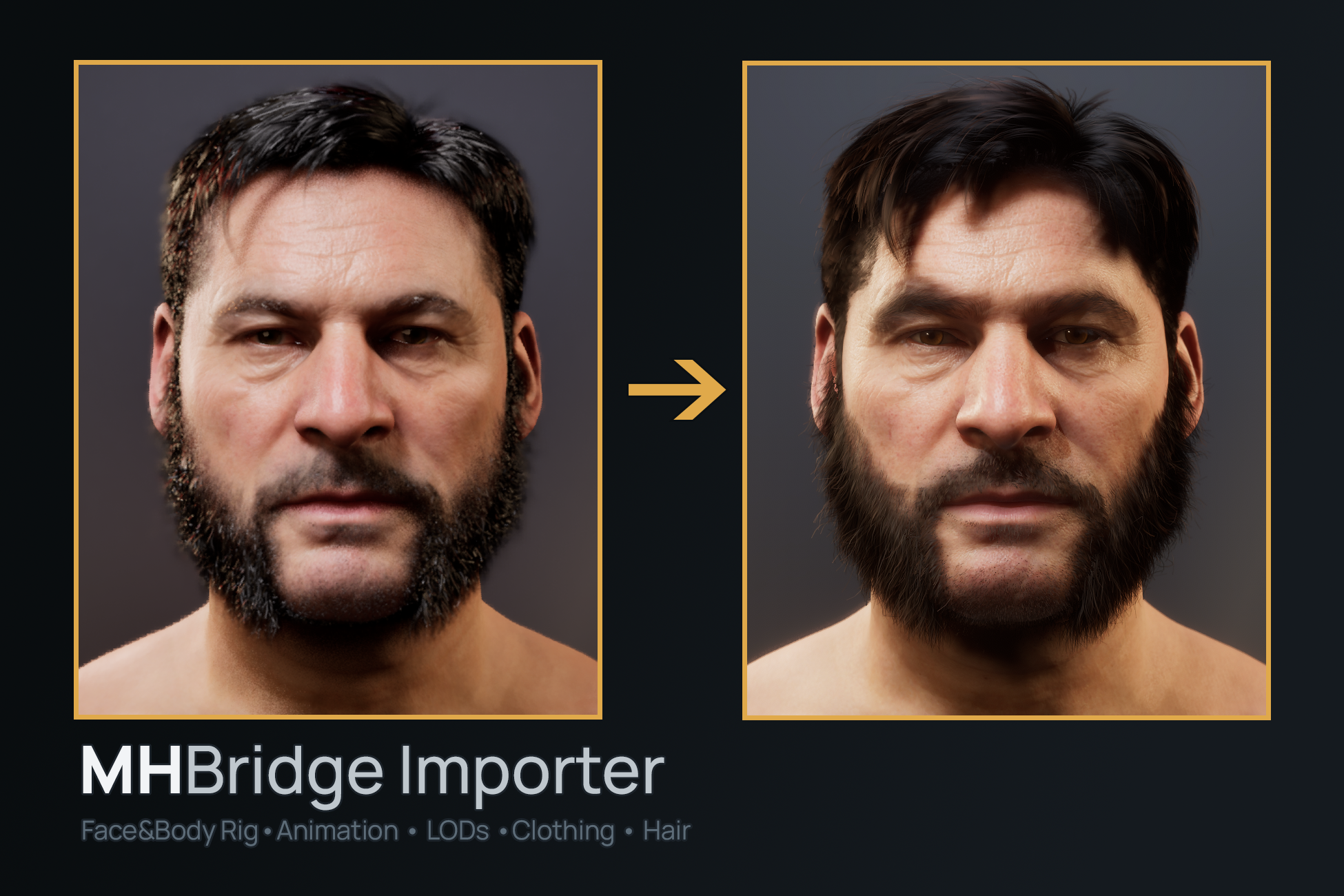
Bring a MetaHuman from Unreal Engine into Unity with the character’s live face and body behavior intact—not baked down to a static mesh.
Download demo ↓Windows x86_64 · Unity 2022.3 LTS and newer · HDRP
What it does
Drop in a packaged DCC export and MHBridge creates a self-contained Unity asset: meshes for each LOD, HDRP materials, a shared skeleton and Avatar, plus the compact runtime DNA used by RigLogic.
The result works with Unity’s normal animation systems while retaining facial joints, blend shapes, body correctives, wrinkle maps, and visibility-aware runtime evaluation.
See it in motion
Core capabilities
Import a complete .dcc export or work directly with raw .dna files. MHBridge builds Unity-ready assets from the source data.
Face and body correctives evaluate every frame over the Animator pose, preserving the character's authored behavior.
Use facial takes, retargeted body motion, ARKit recordings, Timeline, blend trees, and avatar masks as familiar Unity assets.
Generate skin, eyes, wrinkles, and supporting materials with project validation for the settings that matter.
Native Unity LODGroups drive detail and skip rig evaluation when the character is not visible.
Bind outfits across the LOD stack and bring strand grooms or hair cards into the character setup.
Gallery
Compatibility
MHBridge Importer is currently focused on a defined Windows and HDRP production path.
Support that is easy to find
Start with the quick guide, dig into each subsystem when you need it, or report a reproducible problem in the public tracker.
MHBridge Importer ships no MetaHuman content: no DNA files, meshes, textures, or characters. You export and use your own content under the applicable Epic Games terms. MHBridge Importer is not affiliated with, endorsed by, or sponsored by Epic Games, Inc. or Unity Technologies.